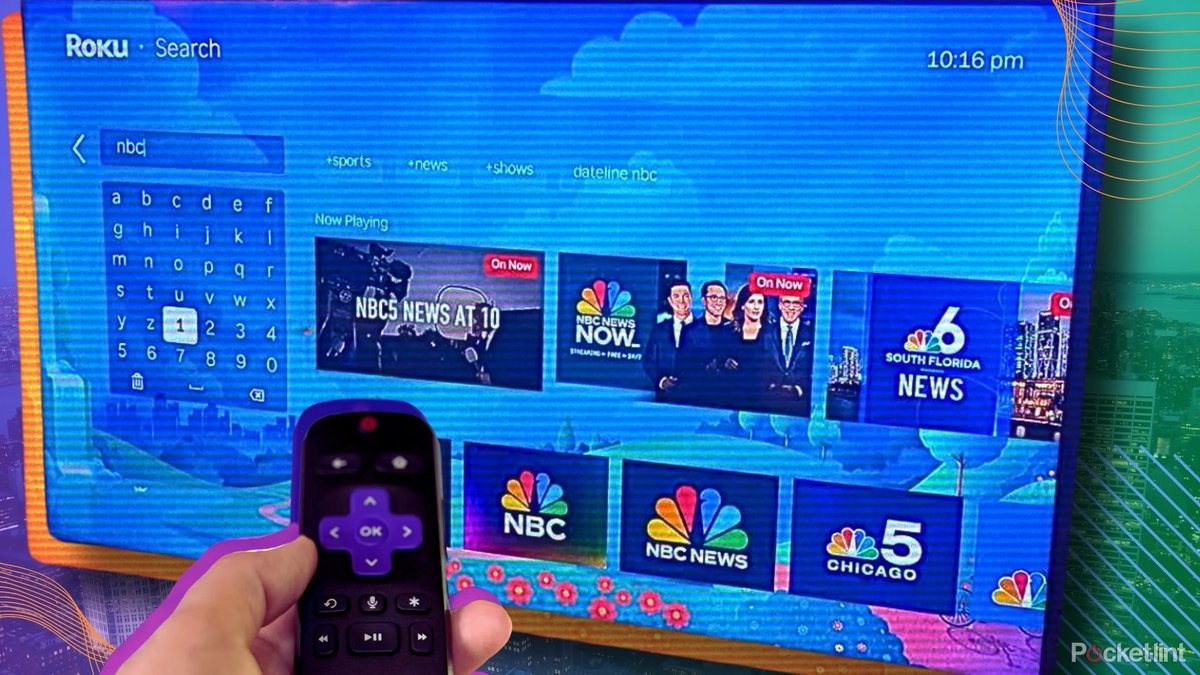
Navigating the digital landscape with your Roku device offers a universe of entertainment, from blockbuster movies on Netflix to niche content on The Roku Channel. But beneath the surface of seamless streaming lies a complex web of data collection and sharing that directly impacts your Security and Privacy When Browsing on Roku Devices. While Roku aims to make your streaming experience frictionless, that convenience often comes with a trade-off: your personal data becomes a valuable commodity, powering targeted advertising and informing business decisions far beyond your living room.
Understanding precisely what information your Roku collects, how it's used, and—most importantly—how you can reclaim some control is no longer optional. It's essential for anyone who values their digital autonomy.
At a Glance: Your Quick Roku Privacy Checklist
- Limit Ad Tracking: Head to
Settings > Privacy > Advertisingand check "Limit ad tracking." - Opt Out of Sharing/Selling: Go to
Privacy submenu > Privacy choicesand select "Do not share/sell my information" and "Limit use of sensitive information." - Silence Voice Tracking: In
Settings > Privacy > Voice, un-check "Speech recognition." - Disable Automatic Content Recognition (ACR): Find this in
Settings > Privacy > Smart TV experienceand turn off "Use Info for Ads." - Review App Permissions: Be mindful of what individual channels request access to.
- Utilize Guest Mode: When others use your Roku, use Guest Mode for their privacy (and yours).
The Unseen Audience: Why Roku's Data Practices Matter
Your Roku isn't just a portal to entertainment; it's a sophisticated data-gathering tool. From the moment you power it on, it begins to observe and record, painting a detailed picture of your viewing habits, preferences, and even your voice. Roku leverages this information, combining it with data from other sources, to fuel a lucrative advertising ecosystem.
Think of it this way: every search query, every show you watch, and every ad you skip contributes to a profile that allows advertisers to reach you more effectively, not just on your Roku, but potentially across all your internet-connected devices. This isn't just about showing you ads for products related to what you watched; it's about understanding who you are as a consumer.
Roku explicitly states that they collect a wide array of personal information, including:
- Identifiers: Things like your IP address, unique device identifiers, and possibly your name or email if you provide it.
- Electronic Network Activity: Your search history (whether typed or spoken into your voice remote), the time you spend on content, and your interactions with advertisements.
- Viewing Data (ACR): Through Automatic Content Recognition, Roku silently monitors everything playing on your TV, regardless of the source (streaming apps, cable box, game console), to understand what you’re watching. This is enabled by default.
- Commercial Information: Details about the products or services you consider or purchase.
- Profiles and Inferences: Roku uses all this data to create detailed profiles about your characteristics, predispositions, and behaviors.
This data isn't kept secret; it's shared. Roku partners with third-party advertisers, channel providers, and a network of business affiliates. They even combine the data they collect directly with information from "data providers" – essentially, advertising companies, data brokers, and social media platforms – to create an even more comprehensive profile. Roku itself acknowledges that some of its data sharing for advertising purposes "may be broadly considered a 'sale' of information" under regulations like the CCPA. They may also share your information with third parties for the third parties' own marketing efforts.
The implications are clear: without active intervention, your Roku device is a prolific source of personal data, much of which is used to generate revenue through targeted advertising.
Taking Back Control: Your Roku Privacy Toolkit
While Roku's data collection is extensive, you're not entirely powerless. Roku offers several privacy settings designed to give you some agency over your information. It's crucial to understand what each setting does and its limitations.
Taming Targeted Ads: The "Limit Ad Tracking" Switch
This setting is your first line of defense against highly personalized advertisements. When enabled, it signals to third-party apps and advertisers that you prefer not to receive targeted ads based on your activity.
How to adjust it:
- From the Roku home screen, navigate to Settings.
- Scroll down and select Privacy.
- Choose Advertising.
- Check the box for "Limit ad tracking."
What to know: While this setting is valuable, it acts more as a preference signal than a hard stop. Some channel providers (like Netflix or Hulu, depending on their service tier and user agreements) may still collect and use your data based on their own terms of service, even if "Limit ad tracking" is enabled on your Roku. It doesn't eliminate ads; it aims to make them less personalized.
Saying "No" to Data Sharing: The "Do Not Share/Sell My Information" Option
This setting allows you to exercise specific privacy rights, particularly relevant for residents in regions with strong data protection laws (like California's CCPA). It aims to opt you out of the broad disclosure of your information for cross-context behavioral advertising, targeted advertising, or what might be considered a "sale" of data.
How to adjust it:
- From the Roku home screen, go to Settings.
- Select Privacy.
- Choose Privacy choices.
- Click on "Do not share/sell my information."
- Also select "Limit use of sensitive information."
What to know: This setting is tied to your Roku account and is generally applied based on your residency. It's a critical step in reducing the wider distribution of your personal data for advertising purposes. However, it's not a blanket opt-out from all data collection, as Roku will still collect data necessary for operating its services.
Muting Your Voice: Disabling Voice Tracking
Many modern Roku remotes, and the Roku mobile app, include voice control features. While convenient, using these features means your voice commands are captured and processed by Roku. This data, including your search queries, can be collected and used for purposes like improving speech recognition and, yes, ad targeting.
How to adjust it:
- From the Roku home screen, go to Settings.
- Select Privacy.
- Choose Voice.
- To disable voice tracking from your remote: Un-check the "Speech recognition" box.
- To manage microphone access for the mobile app:
- Click "Microphone access."
- Select "App microphone access."
- Choose "Never allow."
- To manage microphone access for individual channels:
- Click "Microphone access."
- Select "Channel microphone access."
- Choose "Never allow." for any channels you don't trust.
What to know: Disabling speech recognition will prevent Roku from collecting your voice commands. If you disable mobile app microphone access, you won't be able to use voice search through the Roku app on your phone.
Eyes Off Your TV Habits: Turning Off Automatic Content Recognition (ACR)
This is one of the most intrusive default settings on Roku devices. ACR actively watches and identifies everything that plays on your TV, regardless of the source. This means if you're watching a Blu-ray, playing a video game, or even watching broadcast TV through an antenna connected to a Roku TV, Roku is recording what's on your screen. This data is then used to better understand your viewing preferences for targeted ads.
How to adjust it:
- From the Roku home screen, go to Settings.
- Select Privacy.
- Choose Smart TV experience. (Note: This setting might be under "TV Inputs" or a similar heading on some older models or specific Roku TV brands).
- Un-check the "Use Info for Ads" box (or toggle it off). You might also see an option for "Automatic Content Recognition" or "Interactive TV," which you should disable.
What to know: Disabling ACR prevents Roku from collecting viewing data from non-Roku sources on your TV. This is a crucial step for comprehensive privacy control. Make sure to confirm it's off, as it's typically enabled by default.
Beyond the Settings: Broader Security Considerations for Your Roku
While the privacy settings tackle data collection directly, a holistic approach to your security and privacy on Roku involves considering how you use the device and its broader ecosystem.
Guest Mode: A Separate Sandbox for Visitors
If you have guests who want to use your Roku, particularly in short-term rental situations, Guest Mode is invaluable. This feature allows visitors to log into their own streaming accounts (e.g., Netflix, Hulu) without gaining access to yours. When they check out, their login information is automatically wiped from the device.
Why it matters: Guest Mode protects your personal streaming data and preferences from being intermingled with (or accessed by) others. It also prevents your guests from inadvertently affecting your viewing recommendations or subscription accounts.
Smart Home Devices: A New Layer of Privacy
Roku's expansion into smart home devices (like cameras and doorbells) introduces another dimension to your privacy considerations. These devices can capture video, images, or voice content from your home environment.
What to consider: Integrating Roku Smart Home devices means you're entrusting Roku with a new category of highly sensitive personal data. Be diligent in reviewing the privacy policies for these specific devices, understanding where their data is stored, and who has access to it. Adjust camera/microphone permissions within their respective apps as meticulously as you do on your streaming device.
App Permissions: Reading the Fine Print
Every channel or app you add to your Roku has its own privacy policy and terms of service. While Roku provides device-level controls, individual apps can still collect data about your activity within their application according to their agreements.
Best practice: Before adding a new, less-known channel, take a moment to review its privacy policy. Understand what data it collects and how it uses that information. Be wary of apps that request excessive permissions or seem to track your activity beyond what's necessary for their core function.
When You Leave: Data Deletion Limitations
Unlike some platforms that offer a universal "delete my data" button, Roku's data deletion capabilities are currently limited. Only California residents, under the California Consumer Privacy Act (CCPA), have specific rights to request the deletion of their personal information (up to twice every 12 months). They can also request copies of their data and details of data sharing.
What it means for most users: For users outside of California, there isn't a general, straightforward method to request the deletion of all your collected data directly from Roku. This underscores the importance of proactively managing your privacy settings while you're actively using the device.
The Security Posture: What Roku Doesn't Tell You
A robust security framework for a company handling vast amounts of user data typically includes a clear process for reporting and addressing security vulnerabilities. Unfortunately, Roku has not established a public, dedicated contact or system for disclosing security vulnerabilities.
Why this is a concern: The lack of a clear vulnerability management system can be worrying, as it suggests potential gaps in how security issues are identified and patched. While this doesn't directly impact your daily privacy settings, it's a foundational element of trust in any tech platform. It highlights the need for users to remain vigilant and utilize all available privacy controls. This is particularly relevant as our devices become more interconnected, extending to areas like the Roku internet browser hub, which requires a strong underlying security posture to protect browsing activity.
Navigating the Nuances: Key Takeaways and Best Practices
Securing your Roku isn't a one-and-done task; it's an ongoing process of awareness and adjustment. Here are some final thoughts to empower your digital habits:
- Don't rely on defaults: Roku's default settings are often optimized for convenience and data collection, not privacy. Always take the time to review and adjust them.
- Regularly revisit settings: Software updates or new features can sometimes reset privacy preferences or introduce new data collection points. Make it a habit to check your Roku's privacy settings periodically.
- Understand individual app policies: Your Roku settings are device-wide, but each app has its own rules. Don't assume that disabling ad tracking on Roku means Netflix isn't still learning your preferences.
- Be mindful of voice commands: If you value privacy, minimize your use of voice features or disable them entirely.
- Educate yourself: Stay informed about Roku's privacy policy and any changes they make. Knowledge is your best defense.
- Consider a VPN (for advanced users): While not a direct Roku setting, using a VPN on your router can encrypt all internet traffic from your Roku, adding a layer of privacy by masking your IP address from some trackers.
Taking Charge of Your Digital Stream
Your Roku device offers incredible access to entertainment, but it also provides a window into your personal life for data collectors. By taking a proactive stance, understanding Roku's data practices, and diligently configuring your privacy settings, you can significantly limit the amount of information you share. It's about making informed choices to ensure your streaming experience remains enjoyable, without compromising your digital security and privacy.